



Build your first Claude agent for social media content, step by step

Treat Claude like a new intern. Give it a Project with your brand rules, upload your best past posts, and create a skill that turns one news item into a weekly content pack. Add a clean-up step and, if your scheduler has a Claude connector, let it place drafts in your calendar. Claude drafts the posts; you check and approve them.
Key takeaways
A Claude Project holds your brand voice, audience and platform rules for every chat
Your best past posts teach the agent what good looks like
A skill turns one source item into a fixed weekly pack of posts
Claude doesn’t publish on its own; connectors such as Planoly’s draft and ask before anything goes live
Why “write me a post” fails
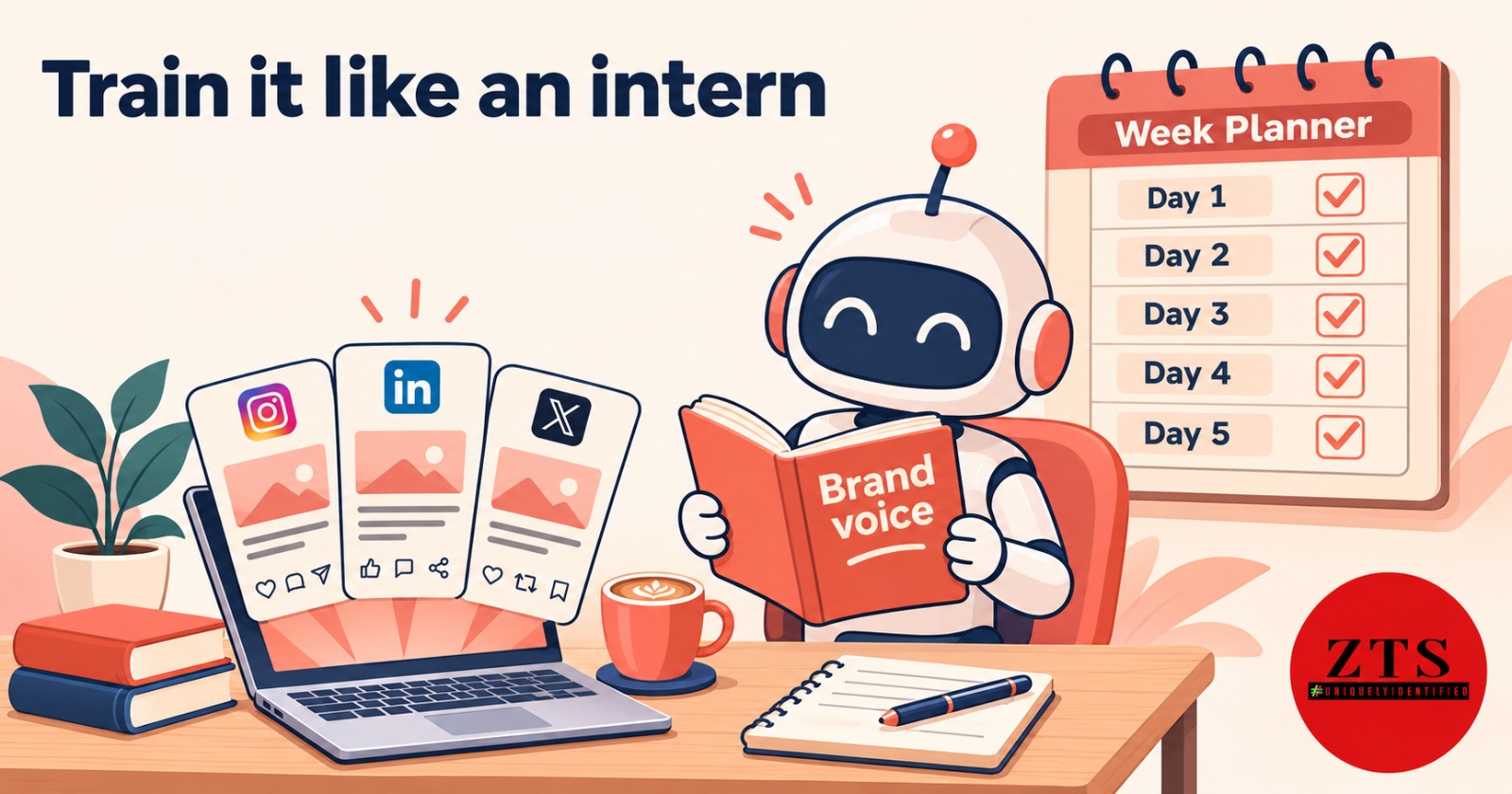
A one-line request gives Claude no context, so it returns something generic. A new intern would do the same on their first day. The answer is onboarding, and with Claude that takes about five short steps. We’ll use a small coffee roastery in London as the example.
Step 1: Write the handbook
Create a Project in Claude, for example “Roastery Social”. In the project instructions, describe your brand voice, your audience, words you never use, and platform rules such as “no links in Instagram captions” and “end LinkedIn posts with a question”.
Step 2: Share the samples
Upload your ten best past posts, your product list and your events calendar to the Project. Examples of good posts guide Claude better than adjectives like “engaging” or “fun”.
Step 3: Create the weekly routine
Ask Claude: “Help me create a skill for my weekly social content pack.” Claude asks about your inputs, formats and what good output looks like, then writes a SKILL.md file. You can manage it under Settings → Capabilities → Skills. In our example, the skill takes one news item, such as a new Ethiopian single-origin coffee, and returns three Instagram captions, two LinkedIn posts and five X posts.
Step 4: Add clean-up and a scheduler
Add a writing clean-up step with a skill like the open-source Humanizer, which removes common AI phrasing. If your scheduling tool has a Claude connector, connect it. Planoly’s connector, listed in Claude’s Connector Directory, drafts posts into your calendar and asks before anything goes live.
Step 5: Set the review rule
Every Monday, share the week’s news and ask Claude to make the pack. Then check every fact, swap in real photos and approve the posts you like. If you’re on a Pro, Max, Team or Enterprise plan with Claude Code on the web enabled, a cloud routine can run this on a weekly schedule.
Frequently asked questions
Trending question: Can Claude post directly to my social media accounts?
Not by itself. Claude writes drafts, and with a scheduling tool’s connector it can place them in your calendar, but publishing still needs your approval.
Trending question: Can Claude write social media posts in my brand’s voice?
Yes, if you give it clear instructions and real examples. Put your voice rules in a Project and upload your best past posts.
Do I need to code to build this agent?
No. Projects, skills and connectors are set up through Claude’s interface in plain English.
Will AI-written posts hurt my reach?
The bigger risk is generic content. Edit every draft, add real photos and your own experience, and keep the tone consistent.

By Professional qualification a Computer Engineer, By Profession an Online Marketing Strategist and Web Application Development Expert, By Industry position working as a CEO at Zebra Techies Solution!