



Google's AI is now calling your business: is your front desk ready?
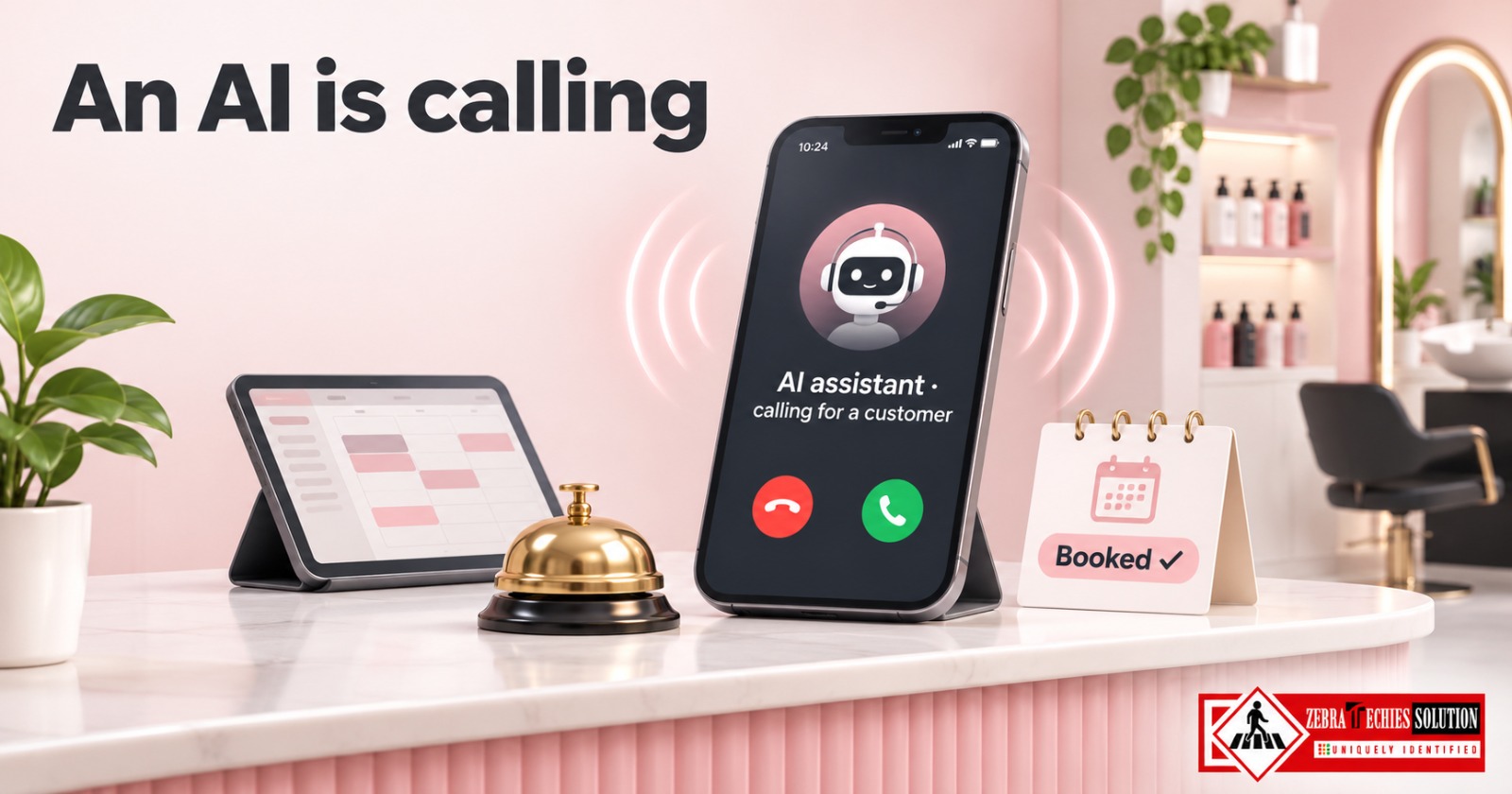
Since 17 November 2026, Tasks in Gemini is free in six countries. In the US it can phone businesses to book appointments and check prices, and it says it's an AI. Update your Google Business Profile, decide in Advanced settings whether to allow these calls, brief your front desk and confirm every AI-made booking.
Key takeaways
Tasks in Gemini is free in the US, Canada, Australia, Japan, South Korea and India
Calling businesses is US-only for now, and not in Indiana, Louisiana, Minnesota, Montana or Nebraska
Verified businesses can switch Google's automated booking calls on or off in Business Profile settings
Google says mistakes still happen, so confirm every booking
What changed
On 17 November 2026, Google made Tasks in Gemini free. It was previously called Gemini Spark and was limited to AI Pro and Ultra subscribers. Tasks can schedule appointments, make purchases and, in the US, phone businesses for the user. Google says Gemini discloses that it's an AI on these calls, and that businesses can opt out. Google's help page says calls made for customer requests are monitored and recorded.
What the call sounds like
Picture a hair salon in New York. The phone rings: "Hi, I'm an AI assistant calling for a customer. Do you have a haircut slot on Saturday, and what's the price?" If the salon gives a clear answer, it gets the booking. If not, the customer can ask the AI to try somewhere else. It works like a mystery shopper who keeps calling.
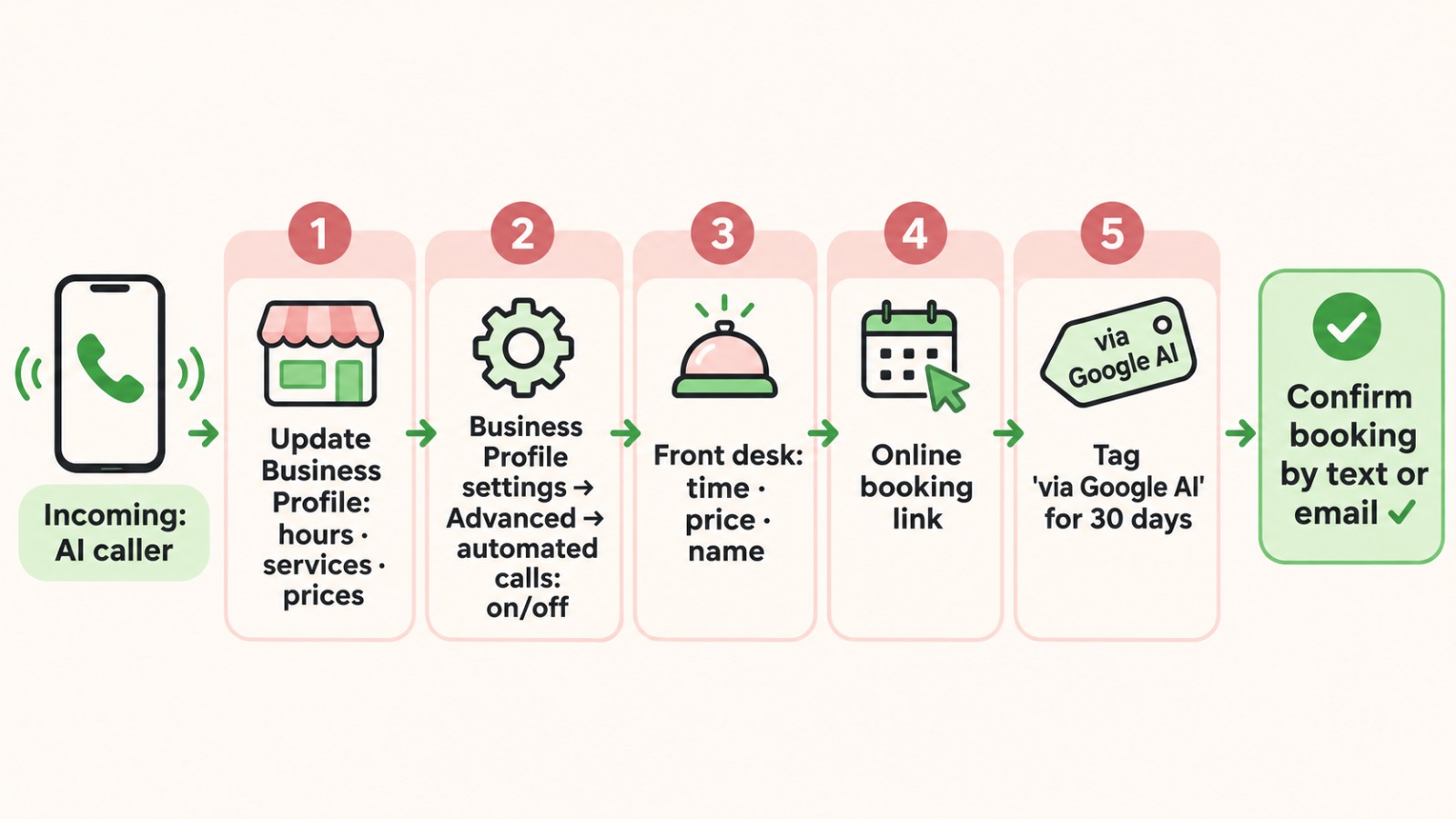
Five steps to get ready
- Update your Google Business Profile. Check your hours, services and prices. Google's automated calls often verify exactly these details, and if your products are in Google Merchant Center, Google uses that data instead of calling about inventory.
- Decide whether you want AI calls. In a verified profile, go to Business Profile settings, then Advanced settings, then "Google automated calls and text messages". Switch "Bookings and inquiries from customers" on or off.
- Brief your front desk. Treat the AI caller like a customer. Give a specific time and price, confirm the customer's name, and keep answers short and clear.
- Offer online booking. A live booking link means fewer calls for anyone, human or AI.
- Track the results. Tag bookings made through Google's AI for 30 days, then compare their no-shows and spend with your regular bookings.
Who should allow it, and who should block it
Allow it if you run an appointment-led business with a staffed phone line, such as a salon, a restaurant, a clinic front desk or an auto service shop. Block it if your line is already overloaded, or if bookings need a consultation first. You can change the setting any time.
Want help getting your Google Business Profile and local listings ready for AI search and AI callers?
Frequently asked questions
Can Google's AI really call my business?
Yes, in the US. Since November 2026, Gemini's Tasks feature can phone businesses to book appointments and ask about prices or availability, and it says it's an AI. It isn't yet available in Indiana, Louisiana, Minnesota, Montana or Nebraska.
How do I stop Google's AI from calling my business?
Verify your Business Profile, then go to Business Profile settings → Advanced settings → "Google automated calls and text messages" and switch off "Bookings and inquiries from customers". You can also ask the caller to stop calling.
Is Gemini Tasks free?
Yes, in the US, Japan, South Korea, Canada, Australia and India since 17 November 2026. It was previously limited to AI Pro and Ultra subscribers.
Are Google's AI calls recorded?
Google says calls made for customer requests are monitored and recorded.

By Professional qualification a Computer Engineer, By Profession an Online Marketing Strategist and Web Application Development Expert, By Industry position working as a CEO at Zebra Techies Solution!