



How to build AI agents in your Shopify store in 2026
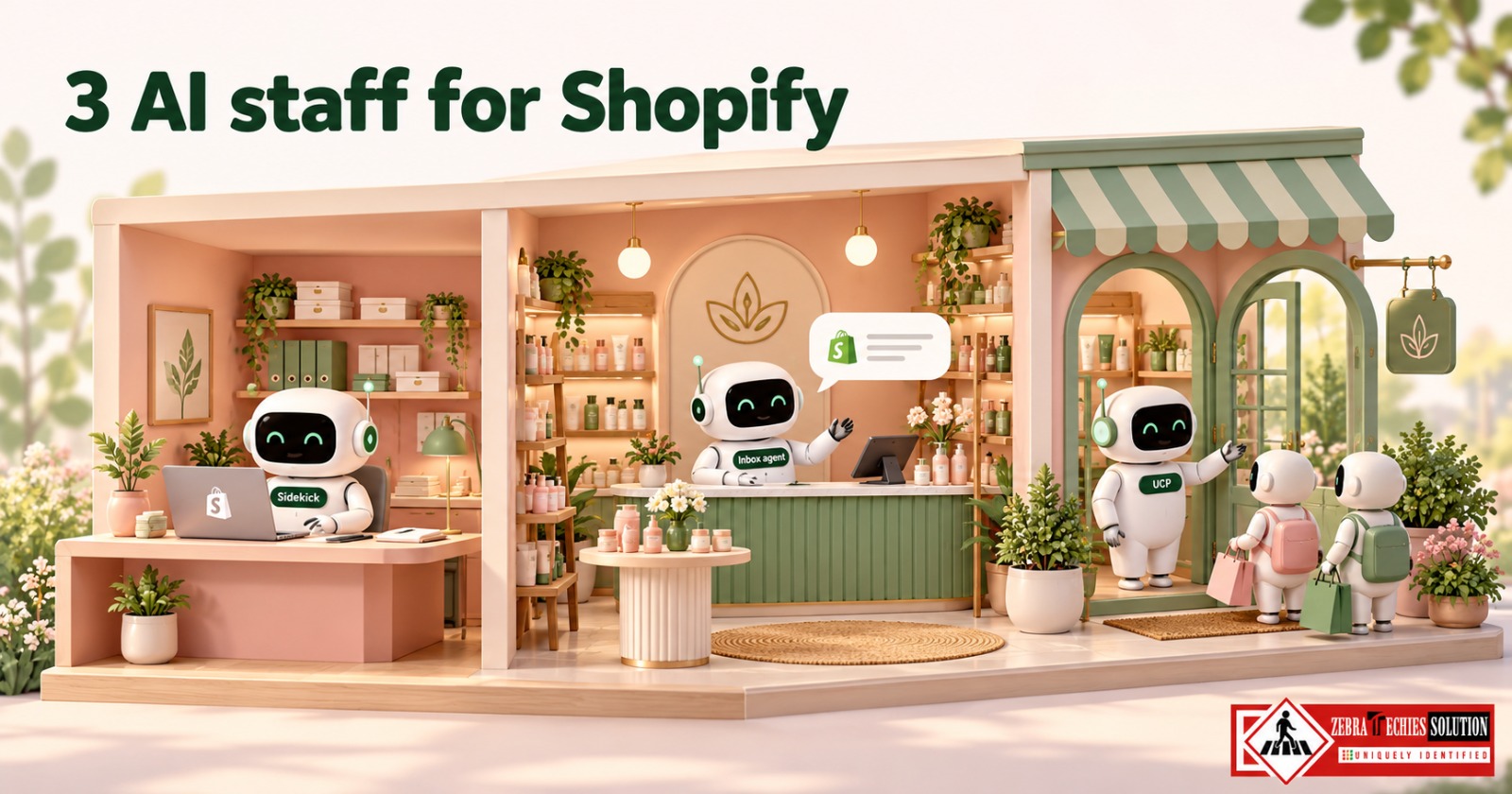
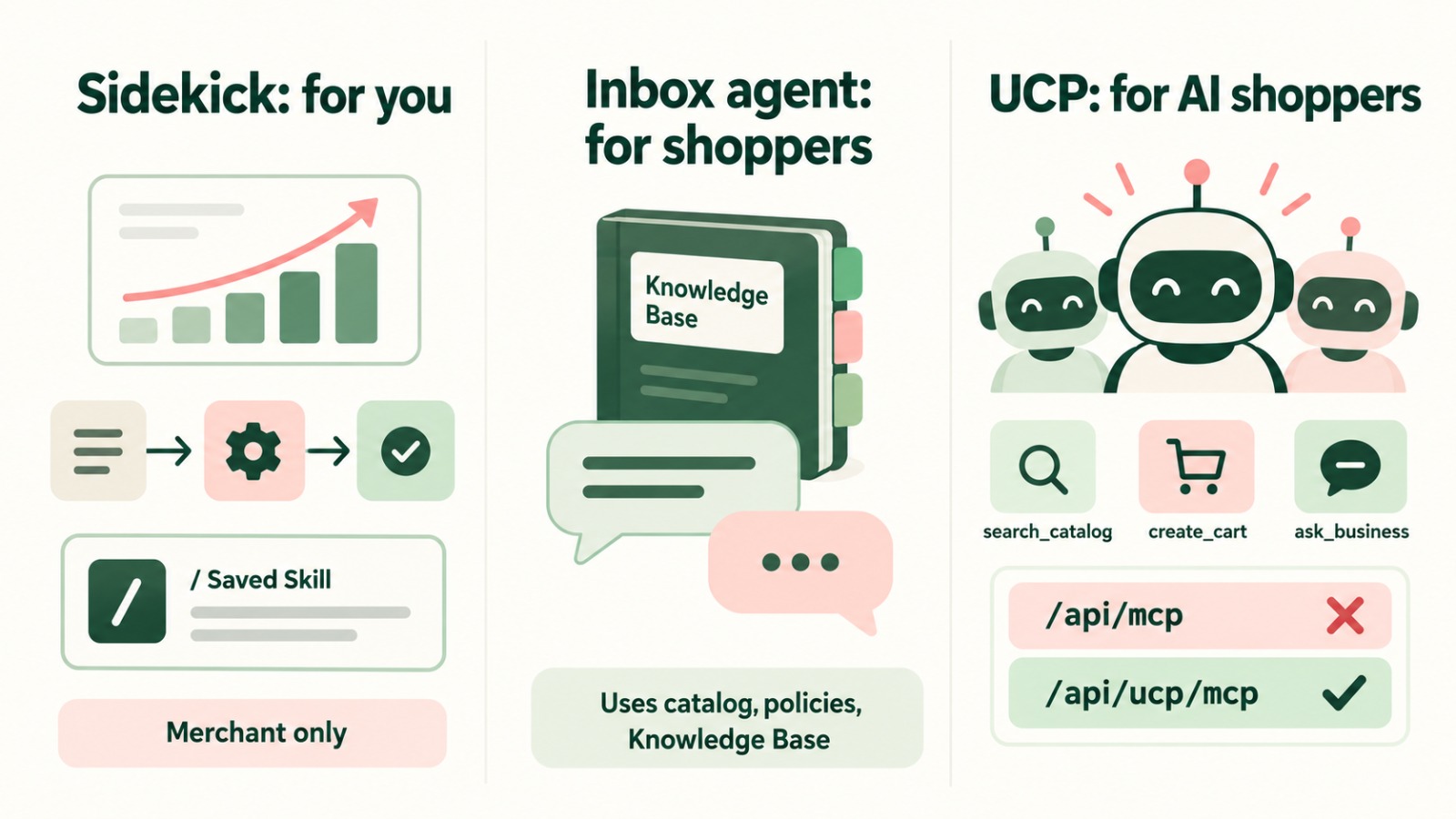
Shopify now has three places for AI agents. Sidekick handles admin work for you. The Inbox agent answers shoppers automatically from your products and policies. The Universal Commerce Protocol lets AI shopping agents such as ChatGPT and Gemini search your catalog and build carts. Most stores can set up the first two in about two weeks without code.
Key takeaways
Sidekick is free in the admin on every plan, and it works for the merchant only
The Inbox agent in Shopify Inbox replies to shoppers using your catalog, policies and Knowledge Base
For developers, the old storefront MCP catalog and cart tools at /api/mcp were removed; use /api/ucp/mcp
Clean product titles and descriptions help both shoppers and AI agents
A Toronto skincare store as the example
Think of three new staff members. One works in the back office, one on the shop floor, and one at the front door greeting AI shoppers. Here is how a small skincare brand in Toronto would set each one up.
Sidekick for the back office
Sidekick is already in your Shopify admin. Ask it, “Which products sold best in the last 30 days and are low on stock?” Then ask it to create a Shopify Flow that emails you when any product drops below ten units. You can store up to 25 prompts as Saved Skills and run them with “/”. Generating simple custom apps needs the Grow, Advanced or Plus plan.
Sidekick can’t chat with customers. Spot-check its bulk edits, because merchants have reported it ignoring rules on large batches.
The Inbox agent for the shop floor
Install the free Shopify Inbox app and open Inbox in your admin. Add your shipping times, return policy and ingredient FAQs to the Knowledge Base, set the agent’s persona, and switch it on. When a shopper asks whether a serum suits sensitive skin, the agent answers from your product pages, policies and Knowledge Base, at any hour. Read its conversations during the first week and fill any gaps in what it knows. Shopify’s help page doesn’t list plan requirements or pricing for the agent, so confirm both in your admin. [CONFIRM: add a Zebra Techies client result here, only if the team has set this up for a client.]
The Universal Commerce Protocol for AI shoppers
More shoppers now ask ChatGPT or Gemini to find and buy products for them. Shopify’s Universal Commerce Protocol, announced with Google at NRF 2026, lets those agents search your catalog (search_catalog, get_product), build carts (create_cart, update_cart) and ask policy questions (ask_business). Checkout requests must be authenticated or signed.
If your developer is following an older tutorial, check the endpoint. Shopify removed the catalog and cart tools from https://{shop}/api/mcp. The current endpoint is https://{shop}/api/ucp/mcp, and each request needs an agent profile. One easy mistake: every update_cart call replaces the whole cart, so send all the line items you want to keep.
A two-week rollout
In week one, set up Sidekick and a low-stock Flow. In week two, train and switch on the Inbox agent. Throughout, tidy product titles, descriptions and attributes, since AI shoppers read the same data your customers do.
Frequently asked questions
Trending question: Can Shopify Sidekick chat with my customers?
No. Sidekick is a merchant-only assistant inside your admin. To answer shoppers automatically, use the Inbox agent in Shopify Inbox.
Trending question: Do I need a paid app to add an AI chatbot to my Shopify store?
Not necessarily. The free Shopify Inbox app includes an Inbox agent that can reply to shoppers. Check your admin for any plan limits before choosing a paid third-party app.
What data does the Inbox agent use to answer shoppers?
Your product catalog, store policies, Knowledge Base facts and files, and published store pages such as blogs and care guides.
Why is my Shopify MCP integration returning errors?
Shopify removed the catalog and cart tools from the old /api/mcp endpoint. Move your integration to /api/ucp/mcp and include an agent profile in each request.

By Professional qualification a Computer Engineer, By Profession an Online Marketing Strategist and Web Application Development Expert, By Industry position working as a CEO at Zebra Techies Solution!